The Privacy Issue in Technology Recycling
When your business retires old computers, every hard drive tells a story — client records, financial data, employee details, trade secrets. Most companies assume that deleting files or formatting a drive erases that story. It doesn’t. And that gap between assumption and reality is the privacy issue at the heart of technology recycling.
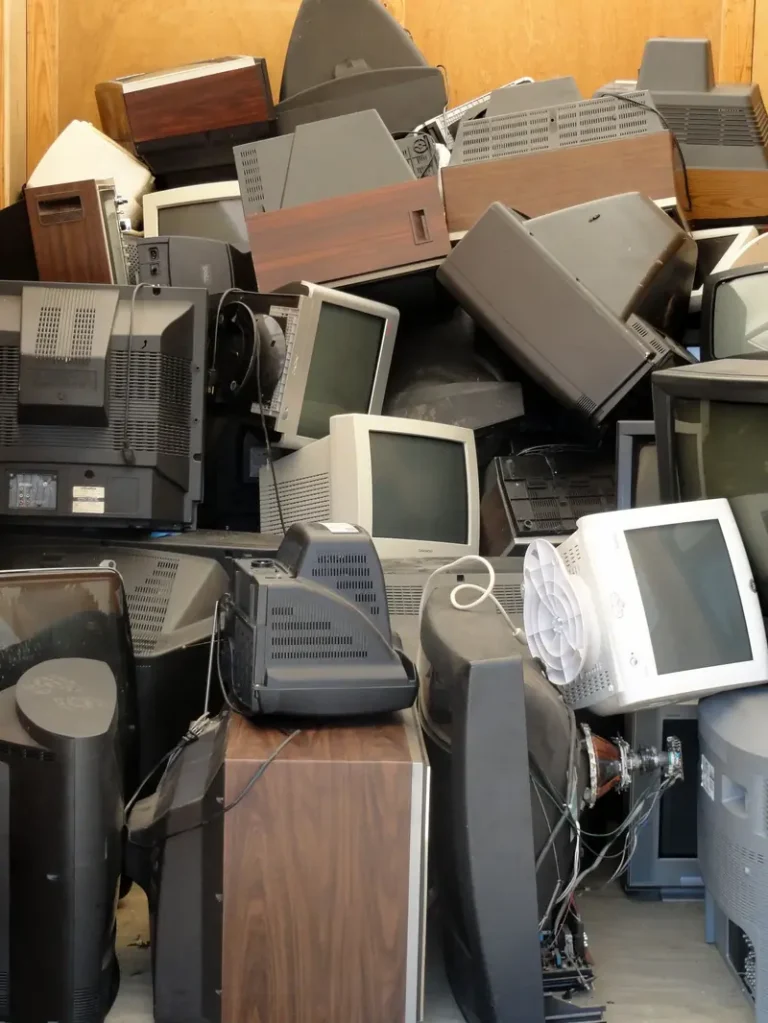
Every year, thousands of used devices change hands through resale, donation and recycling. Data-recovery specialists have repeatedly found personal and corporate information on second-hand drives — from medical records to login credentials. If your old equipment ends up anywhere other than a certified destruction process, your data may still be on it.
Five questions to ask any data-destruction vendor
Not every company that offers to haul away your old computers handles data properly. Before you hand over a single drive, ask:
- Are you R2v3 certified? Certification is independently audited. Anyone can claim to be responsible; R2v3 proves it.
- What sanitisation standard do you follow? Listen for NIST SP 800-88 by name. Vague answers are a red flag.
- Do you resell intact drives? The answer must be no. Refurbishment has its place, but never for data-bearing media that hasn’t been verifiably sanitised.
- Will you provide certificates of destruction? Without documentation, you cannot prove compliance to an auditor or a court.
- Can you describe your chain of custody? Your equipment should be tracked from the moment it leaves your building.
EwasteCleanup answers yes, NIST SP 800-88, no, yes and in detail — and we have done since 1998. Our data destruction services are built around those answers, backed by R2v3, ISO 14001 and RIOS certifications, DTSC registration CAL000422160 and CalRecycle CEWID 116335.
What “delete” actually does
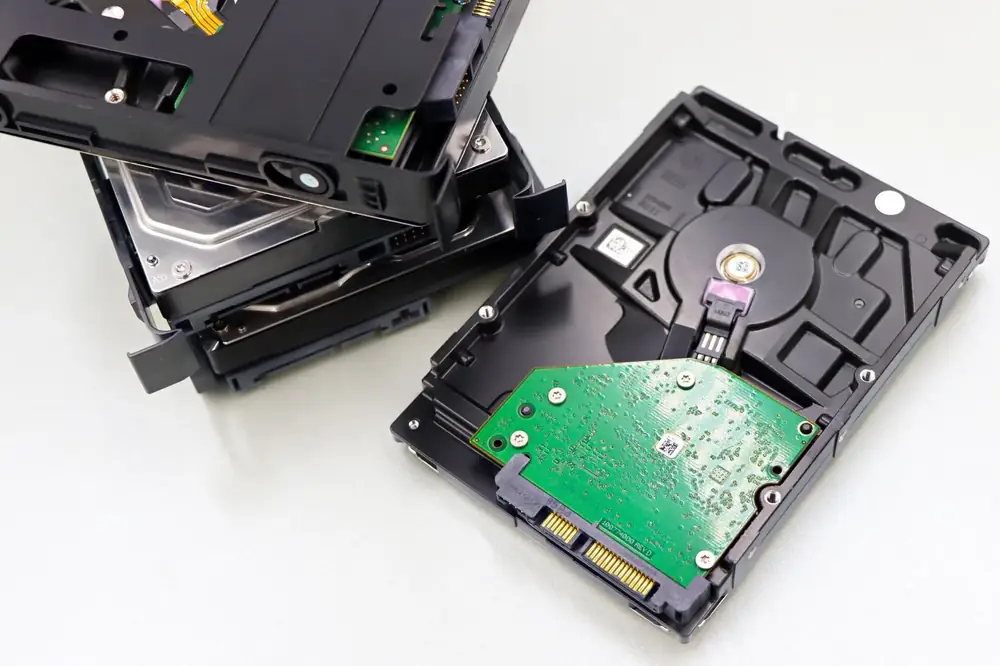
When you delete a file, or even format a drive, the operating system usually just removes the pointer to the data — not the data itself. The ones and zeros remain on the platters or flash chips until they happen to be overwritten, which on a drive that is powered off and shelved may be never. Free recovery software can restore “deleted” files in minutes, and a determined specialist can recover far more.
Factory resets on phones and tablets are better, but they are not foolproof — particularly on older devices or where encryption was never enabled. The only way to be certain data is gone is deliberate sanitisation or physical destruction.
Where retired devices leak data
Data escapes through surprisingly ordinary routes:
- Resale and donation. Equipment sold or given away without proper wiping hands your data to strangers.
- Forgotten storerooms. Drives stacked in an IT closet are forgotten — until the company moves or closes and they are dumped.
- Uncertified recyclers. Some operators cherry-pick valuable drives for resale instead of destroying them.
- Export. E-waste shipped overseas can be mined for data as well as metals.
For businesses, the consequences go beyond embarrassment: breach-notification laws, regulatory fines and lost client trust. Healthcare providers face HIPAA penalties on top, which is why HIPAA rules have changed how data must be disposed of.
The true cost of getting it wrong
Data breaches stay expensive long after the headlines fade. Industry research consistently puts the average breach in the millions of dollars once notification, remediation, legal fees and lost business are tallied — and breaches traced to lost or improperly disposed devices are among the most preventable. Smaller businesses are not exempt either: a single compromised client database can end contracts and invite lawsuits. Against that arithmetic, certified destruction — which EwasteCleanup includes in its free business pickup — is not a cost at all. It is insurance.
How proper data destruction works
Responsible recyclers follow NIST Special Publication 800-88, the federal guideline for media sanitisation. It defines three levels:
- Clear — overwriting data using software or firmware-level commands, then verifying the result.
- Purge — stronger techniques such as degaussing or cryptographic erase that defeat laboratory recovery.
- Destroy — physical destruction: shredding, crushing or disintegration that renders the media unusable.
At EwasteCleanup, every data-bearing device we receive is sanitised to NIST SP 800-88 or physically shredded in our Santa Fe Springs facility. Hard drives, SSDs, tapes, phones and USB media all go through the same rigorous process — nothing is ever resold intact. Learn more about how DoD standards affect data disposal for the strictest compliance regimes.
Chain of custody and certificates
Destruction is only half the story; proof is the other half. Our R2v3-certified process — held since 2018 — tracks your equipment from pickup to final disposition. We inventory serialised assets, maintain a documented chain of custody, and issue certificates of destruction you can show auditors, clients and regulators. ISO 14001 and RIOS certifications back the environmental side of the same process, and our CalRecycle registration (CEWID 116335) covers California’s regulated devices.
What your business should do before recycling
- Inventory first. Know exactly which devices hold data before anything leaves the building.
- Set a policy. Decide in advance that no data-bearing device leaves without certified destruction.
- Choose a certified vendor. Ask for R2v3 certification and proof of NIST SP 800-88 procedures.
- Demand documentation. Certificates of destruction — not promises.
Your old technology still has value — in its materials, not its memories. Our electronics recycling services recover the metals and plastics while guaranteeing your data is gone for good. Businesses across San Diego, Los Angeles, Orange County and Long Beach get free pickup, Monday to Friday, 8am to 4pm.
Call 323-300-8243 or toll-free 1-833-392-7834 to schedule a secure pickup.